Pave the Road Players, Controls & Co-op
PC and mobile controls plus teamwork tips for 20-player paving servers.
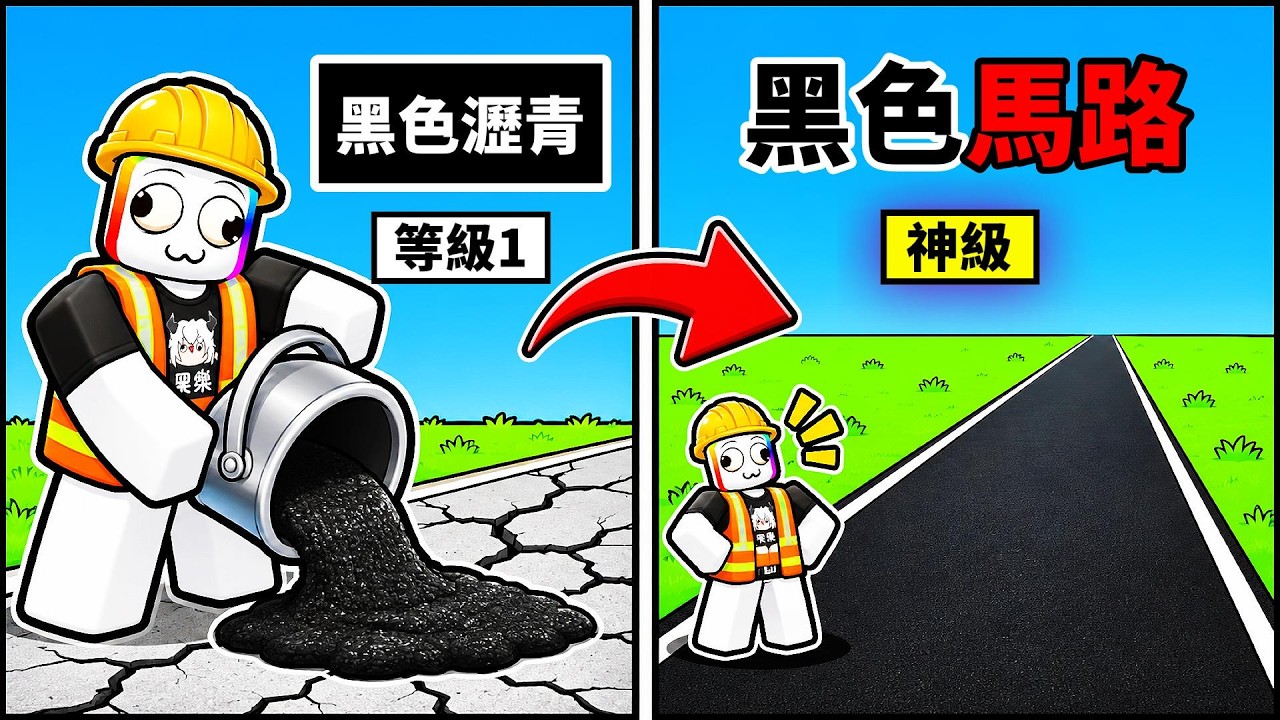
The Players Hub covers how humans—not scripts—actually clear Pave the Road towns. You will find PC and mobile control notes, 20-player co-op habits, and teamwork patterns that mesh with Dig Stash, paving belts, and upgrades. Pair this page with Getting Started and How to Pave.
Seal the Road built a social incremental: max 20 players per server, busy global concurrency often around 1.5k–4.7k, and progress that saves so crews can resume tomorrow.
Controls overview (PC)
Exact keybinds can vary with Roblox shift-lock and custom mobile UIs, but desktop players typically rely on:
- WASD / thumbstick equivalent — move between potholes, stash, and drums
- Mouse — camera, UI buttons, Codes panel on the right side
- Interact / click prompts — pick rollers, Dig Stash, drum refills, shop buys
- Number or hotbar slots (when present) — Pave Bombs, equipped tools, powers
- Chat ( / ) — lane calls and stash requests
Tips:
- Keep the camera high enough to see an entire short belt.
- Do not cover the right-side Codes button with overlapping windows when redeeming DIGBY (Codes).
- After shop visits, re-check tool equip so you did not leave a menu with the wrong roller selected.
Controls overview (mobile)
Mobile is fully viable—many players join from phones during event spikes like DIGBY’S REVENGE.
- Use the on-screen joystick for belt lines; shorter belts reduce joystick drift errors.
- Tap interact prompts firmly near Dig Stash and drums; walk slightly past the node if the prompt flickers.
- Rotate to landscape when hunting the right-side Codes and event buttons.
- Lower graphics only if heat throttling makes seal timing mushy—input stability matters more than shadows.
If touch UI hides a button, leave and rejoin once; HUD load order sometimes settles after a soft reset.
Co-op fundamentals (20-player servers)
Full rooms are a feature, not a bug. Treat the town like a shared job site:
- Name lanes in chat (“west loop holes”, “depot avenue”).
- Split roles for five minutes at a time: stash runner, fillers, sealers.
- Announce bombs before detonating a junction teammates are preparing.
- Rotate drums fairly; do not drain and vanish.
- Respect finished roads—go where asphalt is still broken.
Crews that follow these rules finish districts while uncoordinated servers reseal the same plaza forever.
Teamwork patterns that work
The triangle
Three players: A Dig Stashes, B fills, C squeegees/rolls. Rotate roles each belt so nobody burns out on stash duty. Expand to six by running two triangles on parallel streets.
Junction crack
One player opens a blocked intersection with Pave Bombs; others fan into side streets. Buy bombs with Gem discipline from Upgrades.
Chapter scout pair
After NEW CHAPTER content, two players scout drums/stash while the rest hold baseline production on known belts (Events and Crates, Updates).
Badge buddies
Badge routes are easier with a partner who already knows stash triangles. Progress saves, so badge hunting can span sessions.
Communication macros (short)
- “Stash run—back in 20s”
- “Don’t seal north yet, still filling”
- “Bombs on junction 2”
- “Drum unlocked east—use it”
- “DIGBY still works if you need Gems”
Short calls beat essays mid-roll.
Playing with friends vs publics
Friends: Pre-assign roles in Discord or party chat; race districts; share Gem goals (machine tier vs drums).
Publics: Lead by example—start a named belt and people often mirror. Mute toxicity; the paving loop does not need argument.
Either way, redeem codes on your own account; rewards are per player (Codes).
Powers in a group
Fire class power where it multiplies teammates—junctions, event crate gates, dense crater fields—not on empty finished roads. Cooldown perks help; see Tier List.
Etiquette anti-patterns
- Stealing a clearly marked lane mid-squeegee
- AFK in a full server during event peaks
- Spamming chat with script ads (and using them risks bans—Scripts)
- Pushing new players off Dig Stash instead of teaching the loop (Dig Stash and Refills)
- Flexing cosmetics while refusing to help unfinished edges
Accessibility and comfort
- Take breaks; incremental games reward many short saved sessions.
- Recalibrate camera if motion discomfort hits during giant machine runs.
- Use headphones lightly in publics if voice chat is noisy—text calls still work.
Linking players to progression
New players: Getting Started. Route skill: How to Pave. Spend plan: Upgrades. Uptime: Dig Stash and Refills. Limited time: Events and Crates. Overview: Wiki Hub and Guides Hub.
Pave the Road is more fun when the crew acts like a paving company. Learn your controls, call your lane, feed the drums, and leave the town better than you found it—then log back into your saved progress with the same friends tomorrow.
Frequently Asked Questions
Quick answers to the most common Pave the Road questions.
How many players can join a Pave the Road server?
Each server supports up to 20 players, which is ideal for splitting pothole lanes and Dig Stash duties.
Where is the Codes button on mobile?
It sits on the right side of the HUD. Landscape mode makes it easier to find beside event buttons.
How should teams split work?
Use short role rotations: one stash runner, fillers, and sealers on a named lane, then rotate so nobody is stuck on one job.
Do I need a microphone to play co-op?
No. Short text calls for lanes, bombs, and empty drums are enough in most public servers.
What is bad co-op etiquette?
Stealing marked lanes, draining drums without warning, AFKing in full event servers, and harassing players at Dig Stash.
Does co-op progress save?
Yes. Individual progress and unlocks save between sessions even when you played in a full 20-player town.